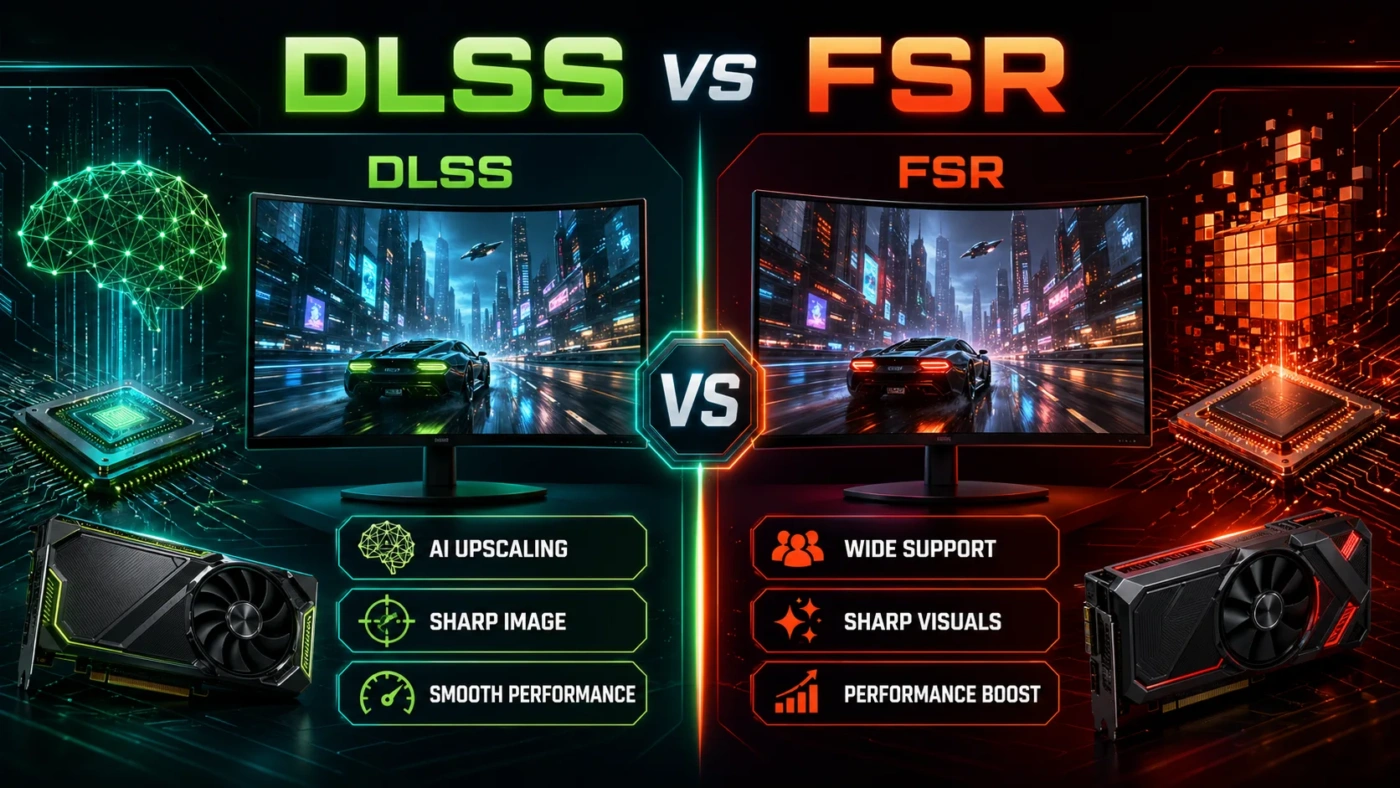
Upscaling has gone from a nice bonus to a genuinely critical feature in how people choose a graphics card. DLSS and FSR both solve the same problem — getting more frames per second out of hardware that can’t render natively at high resolutions without a performance hit — but they do it in very different ways, with different hardware requirements and different results depending on what you’re playing. If you’ve been wondering which one actually matters for your setup, here’s the breakdown.
| Feature | DLSS (NVIDIA) | FSR (AMD) |
|---|---|---|
| Latest Version | DLSS 4 / DLSS 4.5 | FSR 4 / FSR 4 Redstone |
| GPU Compatibility | NVIDIA RTX cards only (Tensor Cores required) | FSR 4 ML: RDNA 4 only; FSR 3.1: any GPU |
| Upscaling Method | Transformer-based AI neural network | ML-based (RDNA 4) / Spatial-temporal (older GPUs) |
| Frame Generation | Multi Frame Generation (up to 3 extra frames per rendered frame) | FSR Frame Generation (1 extra frame; RDNA 2+) |
| Image Quality (Quality Preset) | Best-in-class; often preferred over native in blind tests | Close to DLSS at 1440p; slightly behind at 4K |
| Latency Reduction | NVIDIA Reflex 2.0 integrated | AMD Anti-Lag 2 (about 18% more latency than DLSS at 4K) |
| Open Source | No (proprietary SDK) | Yes (FidelityFX SDK) |
| Game Support (2026) | 650+ titles | FSR 3.x: 400+ titles; FSR 4 ML: 85+ DirectX 12 titles |
| Ray Tracing Integration | Ray Reconstruction (AI-based RT denoising) | Standard denoising; no equivalent to Ray Reconstruction |
| Console / Cross-Platform | PC only | Yes (PlayStation, Xbox, PC) |
The Core Difference Between DLSS and FSR
Both technologies render the game at a lower resolution — say, 1080p — and then reconstruct the image to your target output, whether that’s 1440p or 4K. The philosophical split comes down to how that reconstruction works and who gets access to it.
DLSS relies on dedicated Tensor Cores built into NVIDIA RTX GPUs. These cores run a transformer-based neural network trained on massive datasets of high-resolution frames. The model doesn’t just upscale — it predicts detail, reconstructs edges, and stabilizes motion across frames. You need an RTX card for this to work. No Tensor Cores, no DLSS, period.
FSR takes a different approach. Through FSR 3.1 and earlier, AMD used spatial and temporal algorithms that didn’t require dedicated AI hardware — which is why FSR has always worked on NVIDIA and Intel GPUs too. With FSR 4, AMD moved to a machine-learning model for the first time, but this ML version is exclusive to RDNA 4 GPUs (the RX 9000 series). Older AMD cards, and non-AMD GPUs, still get FSR 3.1. That’s a meaningful shift: AMD’s historical “runs on everything” advantage now applies only to the non-ML version.
What Is DLSS?
DLSS (Deep Learning Super Sampling) is NVIDIA’s AI-accelerated upscaling and frame generation suite, available exclusively on GeForce RTX graphics cards. The current version, DLSS 4, introduces Multi Frame Generation — the ability to generate up to three new frames between each natively rendered frame. On RTX 50-series (Blackwell) cards, this can multiply output frame rates dramatically, especially in demanding 4K scenes.
The DLSS 4 suite includes several components that work together:
- Super Resolution — the core AI upscaler, using a transformer model to reconstruct native-quality detail from a lower-resolution input
- Multi Frame Generation — RTX 50-series exclusive; generates up to 3 interpolated frames per native frame
- Ray Reconstruction — replaces traditional ray tracing denoisers with an AI-based approach, producing cleaner lighting and reflections
- NVIDIA Reflex 2.0 — latency reduction that keeps system responsiveness tight even as frame generation adds frames
DLSS 4.5, announced at CES 2026, pushed further with a second-generation transformer model and Dynamic Multi Frame Generation — a system that adapts the frame generation multiplier based on GPU load and your monitor’s refresh rate. In a large-scale blind test by ComputerBase with nearly 7,000 voters across six games at 4K, DLSS 4.5 was preferred over native rendering by close to half of participants. That’s an unusual result: upscaling that people actively prefer to raw native output.
DLSS is supported in 650+ games as of 2026 and integrates with Unreal Engine, Unity, and most major DirectX 12 and Vulkan renderers. Integration requires NVIDIA’s proprietary SDK, so game developers need to add support deliberately — it’s not automatic.
What Is FSR?
FSR (FidelityFX Super Resolution) is AMD’s upscaling technology, developed as part of the open-source FidelityFX SDK. FSR 4 is the current flagship version and marks the first time AMD has used machine-learning models in its upscaler — a genuine architectural shift from the spatial and temporal algorithms of FSR 1, 2, and 3.
The ML-powered FSR 4 runs on dedicated AI accelerators built into RDNA 4 GPUs. It uses a transformer-style model trained on multi-frame data to improve temporal stability and preserve detail across motion — the same fundamental approach NVIDIA has used in DLSS for several generations. The results at 1440p Quality mode are now close enough to DLSS 4 that most players wouldn’t spot the difference in regular gameplay (though static screenshot comparisons still show DLSS holding a fine-detail edge).
FSR 3.1, the non-ML version, continues to run on any GPU — AMD, NVIDIA, and Intel — which is why FSR still has broader reach than DLSS in terms of raw hardware compatibility. This version includes frame generation support for RDNA 2 and newer AMD cards. It doesn’t use AI acceleration, so image quality is lower than FSR 4’s ML mode, but it’s free performance available to anyone regardless of GPU brand.
The open-source nature of FSR has driven its adoption across platforms. FSR works on PlayStation and Xbox consoles, making it the only major upscaling tech with true cross-platform reach. For game developers, integrating FSR through the open FidelityFX API is generally faster and less restrictive than DLSS, which requires working within NVIDIA’s proprietary SDK.
When DLSS Is the Better Choice
DLSS makes the clearest case for itself in a few specific situations. If you play in Performance or Ultra Performance mode — the more aggressive presets that render at 50% or less of the output resolution — DLSS holds image quality noticeably better than FSR at equivalent settings. In stress tests rendering 1080p content upscaled to 4K (Performance mode), DLSS 4’s transformer model retains sharper foliage, cleaner geometry edges, and more accurate fine textures than FSR 4.
Ray tracing is another clear win for DLSS. The Ray Reconstruction component is a genuine differentiator — it replaces standard RT denoisers with an AI-based pass that produces cleaner lighting, sharper reflections, and more stable shadows in path-traced titles. In heavy RT games like Cyberpunk 2077 and Alan Wake 2, the combination of DLSS Super Resolution and Ray Reconstruction produces a visual output that FSR simply can’t replicate at equivalent settings.
Competitive gamers who prioritize system latency should also lean toward DLSS. In benchmarks at 4K with frame generation enabled, DLSS + Reflex shows about 18% less latency than FSR + Anti-Lag 2. On a 240Hz display, that’s a tangible difference in input response that matters in titles like Valorant, CS2, and Apex Legends.
Streamers and content creators get extra value from DLSS on the production side too. NVIDIA’s NVENC encoder, Broadcast noise cancellation, and the entire CUDA-adjacent AI toolchain all sit alongside DLSS in the RTX ecosystem — so the card doing your upscaling is also doing the rest of your production work.
When FSR Is the Better Choice
FSR wins on access. If you’re not on an NVIDIA RTX card, FSR 3.1 is the only AI-adjacent upscaling available to you — and it works across AMD, NVIDIA, and Intel GPUs alike, as well as PlayStation and Xbox consoles. No card-specific requirements, no SDK restrictions, just broader compatibility out of the box.
For RDNA 4 GPU owners specifically, FSR 4’s ML mode is a legitimate DLSS competitor at 1440p. At Quality preset, independent testing shows FSR 4 and DLSS 4 are close enough that most people won’t notice the difference during actual gameplay. FSR 4 also benchmarks as faster in raw performance gains — it appears to have less computational overhead than DLSS 4’s transformer model, which means the performance multiplier from FSR can sometimes exceed DLSS in pure FPS terms (though the image quality ceiling is still slightly lower at 4K).
The open-source model benefits users in less obvious ways too. Linux users tend to have a smoother time with AMD’s driver stack and FSR’s open integration. Developers working on cross-platform titles find FSR’s FidelityFX SDK faster to integrate. And because FSR works on any GPU, players don’t need to think about whether a game’s FSR support actually applies to their hardware.
Budget builds also lean naturally toward FSR. If you’re running an RX 9060 XT (~$299–$419) and pairing it with a game that supports FSR 4, you’re getting machine-learning upscaling at a price point where DLSS-capable RTX cards cost significantly more.
Common Misunderstandings About Both Technologies
FSR works on NVIDIA cards, so NVIDIA users should use it instead of DLSS. Not quite. FSR 3.1 does run on RTX hardware, and some users enable it to get frame generation in games that don’t support DLSS. But DLSS 4 with its transformer model consistently outperforms FSR 3.1 in image quality on NVIDIA hardware. If a game supports DLSS 4, use DLSS. FSR on an RTX card is mainly useful in titles that lack DLSS support entirely.
FSR 4 is now universal like FSR 3. This changed with FSR 4. The ML-accelerated version is locked to RDNA 4 GPUs (RX 9000 series). RDNA 3 and older cards run FSR 3.1 — the non-ML version — even if the game lists FSR 4 support. FSR’s open compatibility still exists, but it applies to the older algorithm, not the new one.
Higher frame counts from frame generation always mean a better experience. Frame generation — both DLSS Multi Frame Gen and FSR Frame Gen — inserts interpolated frames between rendered frames. This multiplies the number on your frame counter but does add a small amount of latency. At high base frame rates (60+ fps native), the added frames look smooth and latency is minimal. At low base frame rates (below 40 fps), the interpolated frames can introduce artifacts and the latency addition becomes more noticeable. Frame generation is most effective as a tool to push already-playable performance even higher, not to rescue a game running poorly.
Enabling upscaling always means a visual downgrade. Both DLSS 4 and FSR 4 in Quality mode often produce output that looks equal to or better than native TAA rendering. Native rendering with temporal anti-aliasing can introduce blurring and ghosting that ML upscalers actively clean up. In many 2026 titles, Quality preset upscaling at 1440p or 4K is genuinely the better-looking option, not a compromise.
DLSS works automatically in any game. DLSS requires explicit integration by the game developer using NVIDIA’s SDK. It’s supported in 650+ titles, but not all games have it — and forcing the newer DLSS 4 transformer model sometimes requires overriding the game’s default through the NVIDIA app, since many titles ship with older DLSS versions pre-integrated.
Which One Should You Use?
The answer is mostly determined by your GPU, not your preference.
If you have an NVIDIA RTX card: use DLSS in every game that supports it. The transformer model produces better image quality at aggressive upscale ratios, latency is lower with Reflex, and Ray Reconstruction is a meaningful bonus if you play ray-traced titles. In the handful of games without DLSS support, FSR 3.1 is your fallback — it’ll still work on your RTX hardware.
If you have an AMD RDNA 4 card (RX 9070 XT, RX 9070, RX 9060 XT, etc.): FSR 4 ML mode is the right choice in supported titles. At 1440p Quality mode, it competes directly with DLSS 4. At 4K or in Performance mode, DLSS still holds an edge in fine detail — but unless you’re doing side-by-side screenshot comparisons, the practical difference in motion is hard to detect. FSR 4 is a genuinely good technology and not a second-tier option for RDNA 4 owners.
If you have an older AMD GPU, an Intel Arc card, or any non-RTX NVIDIA card: FSR 3.1 is what you’ve got, and it’s still useful. It won’t match what FSR 4 or DLSS 4 produce, but it delivers a real FPS boost with acceptable image quality at Quality and Balanced presets. At 4K Quality mode, FSR 3.1 is more usable than many people expect.
For anyone buying a new GPU specifically with upscaling quality in mind: DLSS 4 on an RTX 50-series card is the current ceiling, particularly if you want Multi Frame Generation and Ray Reconstruction. FSR 4 on RDNA 4 hardware is genuinely close and comes at a lower price point — the RX 9070 XT at ~$599 delivers FSR 4 ML upscaling at strong 1440p quality, while comparable RTX hardware typically costs more. The gap between the two has narrowed considerably. What remains is mostly relevant at 4K under pressure, in heavy ray tracing workloads, and in competitive scenarios where every millisecond of latency counts.