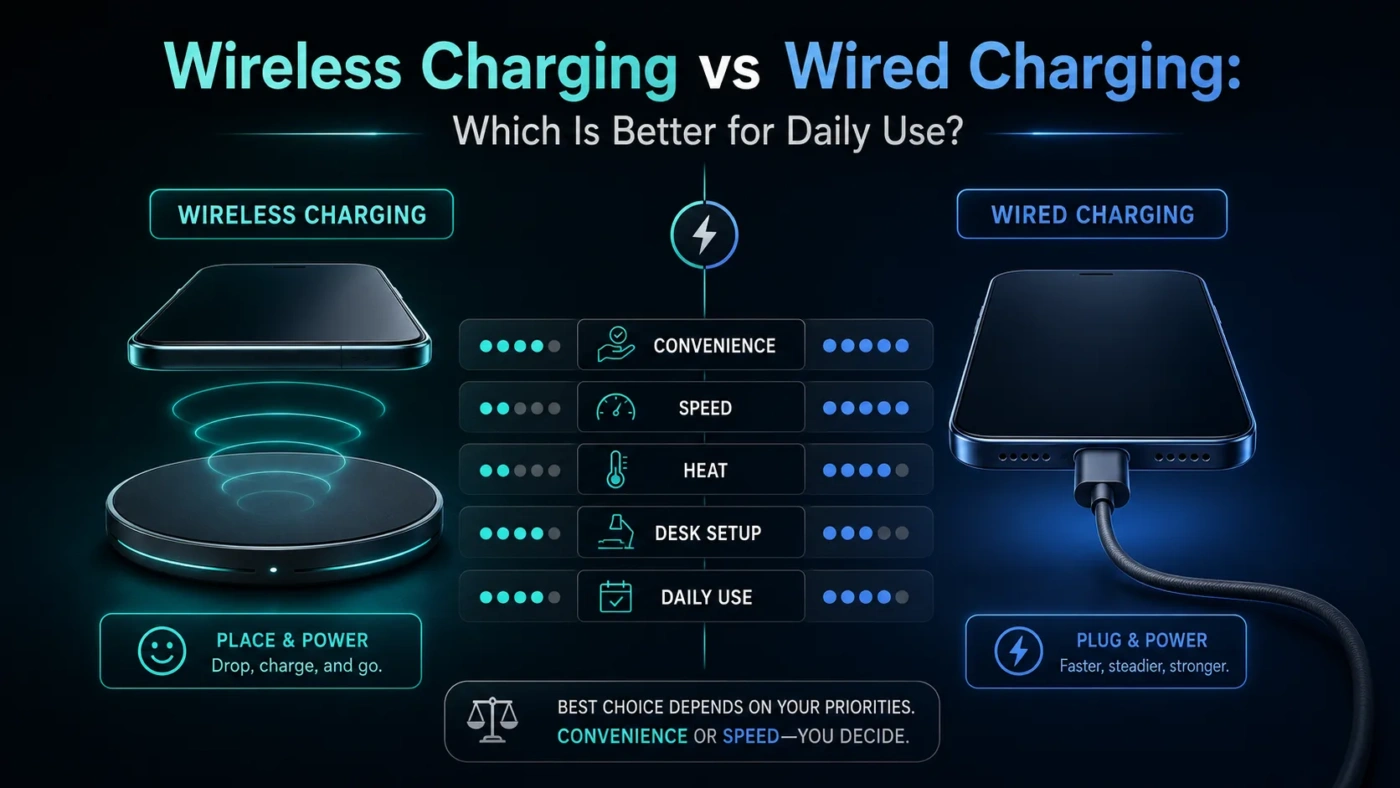
Wired charging is usually the better choice when you need speed, efficiency, and dependable charging every day. Wireless charging is better when convenience matters more than charging time, especially on a desk, nightstand, kitchen counter, or car mount. For most people, the best daily setup is not one or the other: use wired charging when the battery is low, and use wireless charging for easy top-ups.
- Main Differences
- Speed And Performance
- Heat And Battery Health
- Comfort And Convenience
- Compatibility And Setup
- Where Wireless Charging Fits Best
- Where Wired Charging Fits Best
- Choose Wireless Charging If
- Choose Wired Charging If
- Daily Use Decision Tree
- Common Misunderstandings
- Wireless Charging Is Not Always Bad For Batteries
- Wired Charging Is Not Always Fast
- More Watts Do Not Always Mean A Better Daily Charger
- Wireless Charging Still Needs A Cable Somewhere
- Best Choice By User Type
- Short Glossary
- So, Which Is Better For Daily Use?
- FAQ
- Is Wireless Charging Slower Than Wired Charging?
- Does Wireless Charging Damage The Battery?
- Is Wired Fast Charging Bad For The Battery?
- Can I Use Wireless Charging Overnight?
- Which Charging Method Uses Less Electricity?
- Should I Buy A Wireless Charger Or A Fast USB-C Charger First?
| Feature | Wireless Charging | Wired Charging |
|---|---|---|
| Best Daily Role | Easy top-ups during the day or overnight | Fast, reliable charging when battery is low |
| Charging Speed | Usually slower; many Qi and Qi2 chargers sit around 5W to 15W, with newer certified options moving higher | Usually faster; USB-C fast charging can deliver much higher power when the phone, cable, and charger support it |
| Efficiency | Less efficient because power transfers through coils and alignment matters | More efficient because power moves through a direct connection |
| Heat | Can create more heat, especially with poor alignment, thick cases, or warm rooms | Often cooler for the same amount of energy, though very fast charging can still warm the phone |
| Convenience | Very convenient: place the phone down and pick it up without plugging in | Less effortless, but still simple and universal with USB-C devices |
| Use While Charging | Awkward unless using a stand or magnetic charger | Easy to use while charging, especially with a longer cable |
| Travel Use | Convenient but bulkier if the pad or stand needs a separate adapter | Usually lighter, faster, and more flexible for phones, tablets, earbuds, and laptops |
| Compatibility | Depends on Qi, Qi2, MagSafe-style magnets, case thickness, and device support | Depends on port type, cable rating, charger wattage, and device charging limits |
| Best Overall Pick | Best for convenience-first users | Best for speed, efficiency, and daily dependability |
Main Differences
The main difference is how power reaches the device. Wired charging sends power through a cable connected directly to the phone, tablet, laptop, or accessory. Wireless charging uses electromagnetic induction: a charging pad or stand sends energy through coils to a receiver inside the device.
That cable-free design is the reason wireless charging feels so easy. It is also the reason it tends to be slower and less efficient. If the phone is not aligned well, if the case is too thick, or if the pad is low quality, more energy can turn into heat instead of battery charge.
Wired charging has fewer moving parts in the charging process. The charger, cable, and device still need to agree on a safe charging level, but the connection is direct. That is why wired charging remains the better option for fast charging, laptops, tablets, gaming sessions, car travel, and times when you need a predictable battery boost.
Speed And Performance
Wired charging usually wins on speed. Many modern phones can charge faster over USB-C than they can wirelessly, and USB Power Delivery can support much higher wattage for larger devices when the charger, cable, and device are designed for it. This does not mean every cable is fast. A weak adapter or low-rated cable can make wired charging slow too.
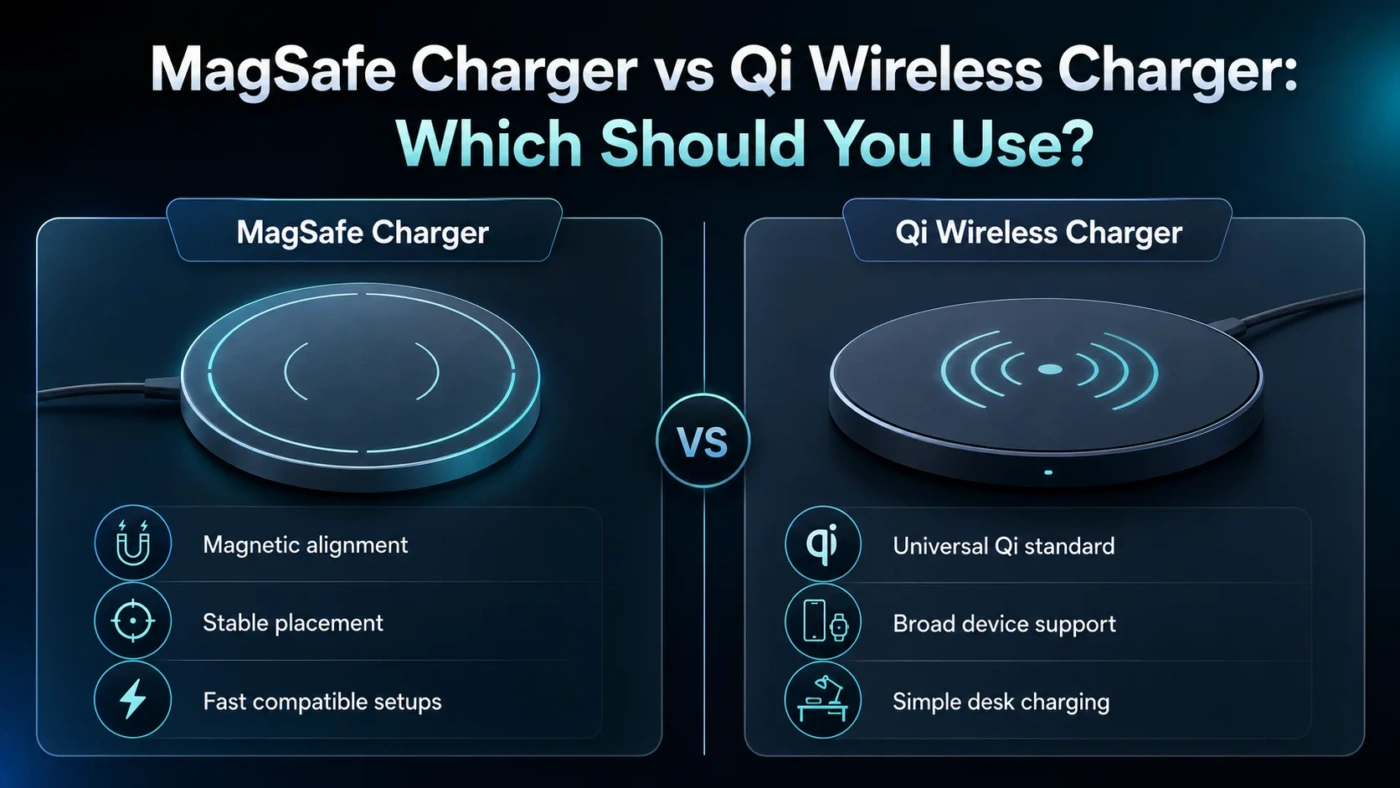
Wireless charging speed depends heavily on the charging standard and the device. Basic Qi wireless charging may be slow. Qi2 improves alignment with magnets and commonly supports up to 15W on compatible devices and chargers. Newer certified wireless options are moving beyond that, but real speed still depends on the phone model, charger certification, case design, and temperature.
Practical speed note: advertised wattage is not the same as real charging speed from 0% to 100%. Phones often charge fastest at lower battery levels, then slow down to control heat and protect the battery. This happens with both wired and wireless charging.
Heat And Battery Health
Battery health is not simply a wired-versus-wireless issue. Heat is the bigger concern. A phone that gets warm often, stays at 100% for long periods, or charges under a pillow will age faster than a phone kept cooler and charged with sensible equipment.
Wireless charging can create more heat because power transfer is less direct. Poor alignment makes this worse. Magnetic wireless systems can help because they hold the phone in the correct position, but a warm room, thick case, metal plate, or covered charging pad can still raise temperatures.
Wired fast charging can also warm a phone, especially when using high wattage, gaming while charging, or charging in a hot car. The safer daily habit is simple: use certified chargers, avoid trapping heat, remove very thick cases if the device gets warm, and let optimized charging features manage overnight charging when available.
Comfort And Convenience
Wireless charging wins the convenience category. On a desk, a wireless stand can keep the screen visible while the phone charges. On a nightstand, it removes the small annoyance of finding a cable in the dark. In a car, a magnetic wireless mount can hold the phone and charge it at the same time.
The trade-off appears when you need to use the device while charging. A flat wireless pad is not comfortable for texting, gaming, video calls, or navigation. Wired charging is better when you want to keep using the phone in your hand. A good cable is not glamorous, but it works almost anywhere.
Compatibility And Setup
Wired charging looks simple, but the details still matter. A USB-C phone may not charge at its fastest speed with every USB-C charger. The charger must support the right charging standard, the cable must be rated for the needed power, and the device must accept that level of charging.
Wireless charging has a different type of compatibility problem. The phone must support wireless charging, the charger must support the right standard, and the case must not block the connection. Some magnetic accessories work perfectly with one phone and poorly with another. Metal plates, wallet cases, ring holders, and very thick protective cases can interfere with wireless charging.
For daily use, the easiest rule is this: buy certified wireless chargers and properly rated wired chargers from reliable brands. A cheap charger that overheats, charges slowly, or disconnects often is not a bargain.
Where Wireless Charging Fits Best
Where Wired Charging Fits Best
Wired charging is the better daily option when charging time matters. If your phone is at 12% before leaving home, a cable and fast charger are the clear choice. If you need to charge a tablet, laptop, handheld console, power bank, or headphones from one adapter, wired charging is usually more useful.
Wired charging is also better for travel. A compact USB-C charger and one or two good cables can cover several devices. A wireless stand may be nicer on a desk, but it is often less flexible in a hotel room, airport, classroom, or office bag.
Choose Wireless Charging If
- You charge your phone in short sessions throughout the day.
- You care more about convenience than maximum speed.
- You use a desk stand, bedside charger, or magnetic car mount.
- You want less cable wear at the phone port.
- Your phone and charger support Qi, Qi2, or another compatible wireless standard.
- You do not use a thick case, metal plate, or accessory that blocks wireless charging.
Choose Wired Charging If
- You want the fastest and most predictable charge.
- You often charge from a low battery level.
- You use your phone while charging.
- You charge laptops, tablets, power banks, or larger devices.
- You travel often and want one compact charger setup.
- You care about better energy efficiency over time.
Daily Use Decision Tree
Common Misunderstandings
Wireless Charging Is Not Always Bad For Batteries
Wireless charging is not automatically harmful. The issue is heat, not the absence of a cable. A certified charger, good alignment, and a cool surface can make wireless charging perfectly reasonable for daily top-ups.
Wired Charging Is Not Always Fast
A wired connection can still be slow if the adapter is weak, the cable is low quality, or the device limits charging speed. USB-C does not guarantee fast charging by itself.
More Watts Do Not Always Mean A Better Daily Charger
A phone only draws the power it is designed to accept. A 100W charger will not force 100W into a phone that supports much less. For daily phone charging, safe compatibility matters more than chasing the highest number on the box.
Wireless Charging Still Needs A Cable Somewhere
The pad or stand must be connected to a power adapter. Wireless charging removes the cable from the phone, not from the entire setup.
Best Choice By User Type
| User Type | Better Choice | Reason |
|---|---|---|
| Busy Commuter | Wired Charging | Faster charging before leaving home or work. |
| Desk Worker | Wireless Charging | Easy top-ups while the phone stays visible. |
| Student | Wired Charging | More flexible for phones, tablets, earbuds, and power banks. |
| Traveler | Wired Charging | Smaller, faster, and easier to use across many devices. |
| Minimal Desk Setup | Wireless Charging | Cleaner surface with fewer plug-in moments. |
| Heavy Phone User | Wired Charging | Better for charging while using the device. |
Short Glossary
So, Which Is Better For Daily Use?
For pure performance, wired charging is better. It is faster, more efficient, more flexible, and more dependable when the battery is low. If you only want one charging method, choose wired charging with a good USB-C charger and a properly rated cable.
For comfort, wireless charging is better. It makes daily top-ups easier, keeps a desk or nightstand cleaner, and reduces the habit of plugging and unplugging throughout the day. If your phone supports Qi2 or a well-aligned magnetic charger, the experience feels much smoother than older wireless pads.
The best daily answer is a mixed setup: keep a wired fast charger for serious charging, travel, and low-battery moments; keep a wireless charger where you naturally put your phone down. That gives you speed when you need it and convenience when you do not.
FAQ
Is Wireless Charging Slower Than Wired Charging?
Usually, yes. Wireless charging is often slower because it is less efficient and more sensitive to alignment, heat, case thickness, and charger quality.
Does Wireless Charging Damage The Battery?
Wireless charging does not automatically damage the battery. Heat is the main issue. If the phone stays cool and the charger is certified, wireless charging is fine for normal daily top-ups.
Is Wired Fast Charging Bad For The Battery?
Not when used with safe equipment and normal habits. Phones manage charging speed to control heat. Still, constant heat from gaming, sunlight, or covered charging can shorten battery life over time.
Can I Use Wireless Charging Overnight?
Yes, if the charger is reliable, the phone is aligned, and the device does not get hot. Optimized charging features can also help reduce time spent at full charge.
Which Charging Method Uses Less Electricity?
Wired charging usually uses less electricity because it transfers power more efficiently. The difference for one phone may be small, but wired charging is still the better choice for energy efficiency.
Should I Buy A Wireless Charger Or A Fast USB-C Charger First?
Buy a fast USB-C charger first if you do not already have one. Add a wireless charger later for a desk, nightstand, or car setup where convenience matters.